Why user-first automation changes the pond game
If you’re the kind of homeowner who fusses over koi as if they paid rent, this is for you. Automation shouldn’t be some tech-flex — it should make pond-keeping simple, reliable, and predictable. Start thinking like someone who programs a smart ceiling fan with light: schedule around comfort, use sensors to adapt, and keep energy waste to a minimum. The same principles apply to aerators: set rules that reflect real life (weather, oxygen needs, and local power costs), not idealized lab conditions.
Core user goals to translate into automation rules
Begin by listing what you actually want the aerator to do. Typical user goals are straightforward:
- Keep dissolved oxygen above a safe threshold for fish.
- Limit runtime during low-risk periods to save energy.
- React automatically to heat spikes, storms, or power-cost signals.
Turn those goals into measurable triggers and actions: sensor threshold → aerator on, time-of-day → reduced duty cycle, or a weather alert → extended runtime. Think in plain terms; the app just needs to reflect your priorities.
Key components: hardware, sensors, and the app
Your automation stack is only as good as its weakest link. At minimum you need a controllable outlet or relay for the aerator, a dissolved oxygen or temperature sensor if you want closed-loop control, and an app or hub that supports scheduling and conditional rules. That’s IoT 101 — but don’t overcomplicate it: simple on/off via a reliable relay and basic sensor readouts will solve most problems without wrestling with APIs or PWM dimming curves.
Designing practical automation rules (step-by-step)
Build rules in this order: safety, routine, optimization. A typical sequence looks like this:
- Safety rule: If dissolved oxygen 80°F, run aerator at full power until oxygen returns above 6 mg/L.
- Routine rule: Between sunrise and sunset keep aerator at 50% duty cycle; between 10 p.m. and 6 a.m. run at 30% to reduce noise and energy use.
- Optimization rule: If onsite weather service reports heat advisory, bump runtime by 20% during the advisory window.
Put those into the app as discrete automations — most smart hubs let you chain conditions (if this AND that, then do X). Keep each rule focused; tangled logic creates surprises.
Practical examples and presets that actually work
Here are three tested presets for common pond scenarios:
- Cold-season guard: Run aerator intermittently (10 minutes on, 50 off) to prevent stratification when temps are below 45°F.
- Summer comfort mode: Use temperature-triggered cycles to maintain DO; pair with a weather forecast trigger for heat waves.
- Power-save schedule: Limit aeration to peak-need windows and use a smart tariff input if your provider supports time-of-use rates.
These presets work with most controllers and help you avoid the “set-and-forget” mistakes that cost fish lives — and money.
Common mistakes users make (and how to dodge them)
Most screw-ups come from assumptions. You assume sensors are accurate, you assume runtime translates linearly to oxygen increase, or you assume night-time needs are always lower. Calibrate your sensors and run a few trials with manual overrides — that gives you real data, not guesses. Also avoid overly complex interlocks in your first month; start simple, then refine once you’ve seen the pond’s response.
One more thing — don’t ignore noise and neighbor complaints. An obnoxiously timed aerator is a recipe for municipal hassles. Schedule for early evening quiet hours when possible.
Integrations, advanced tips, and energy parallels
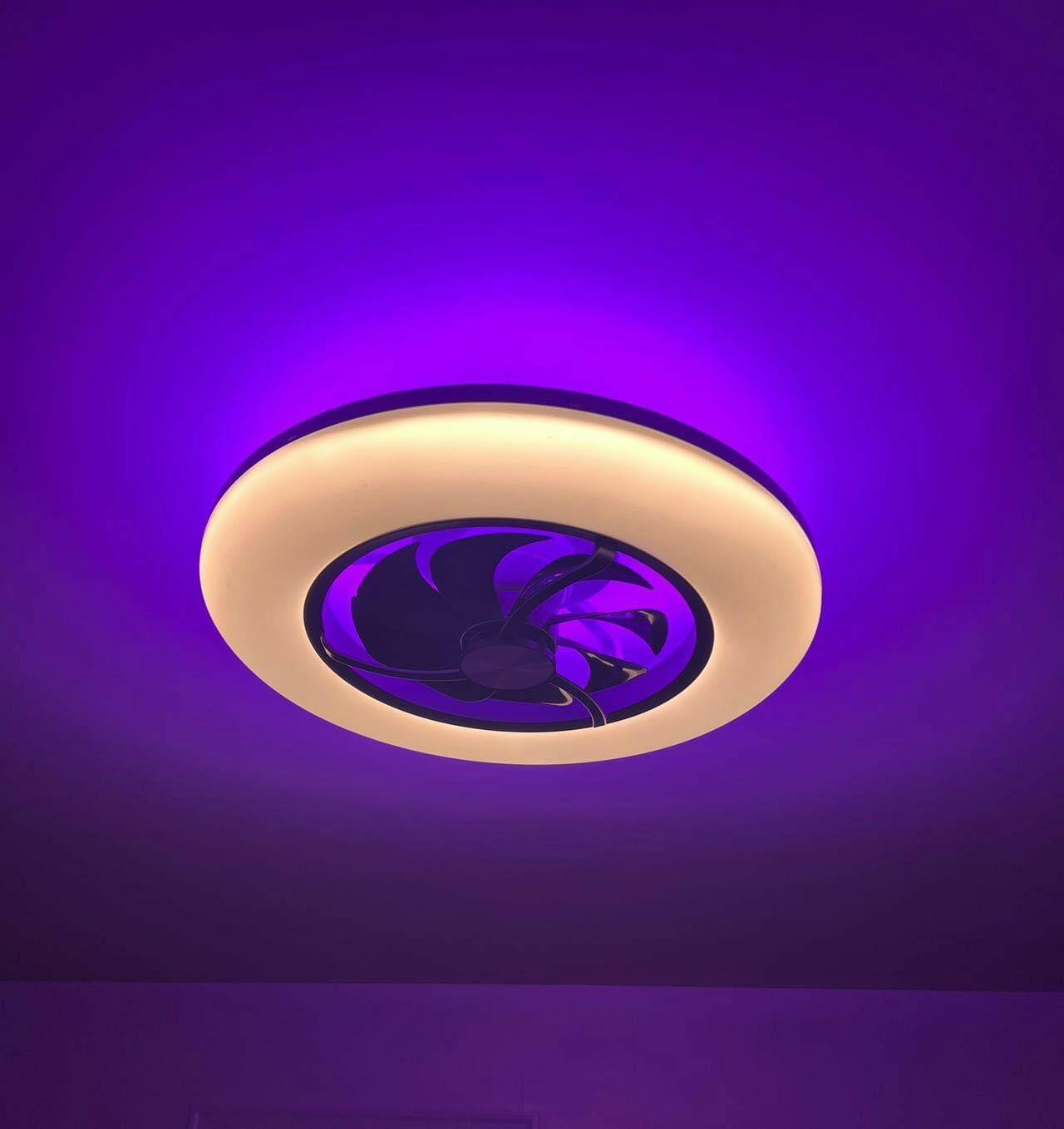
If you’re comfortable with extra tech, tie your pond rules into weather APIs, energy-rate signals, or home hubs. Webhooks and simple API calls can trigger longer runs ahead of hot days. You can borrow strategies from other smart devices — for example, homeowners who automate a ceiling fan with light often use presence sensing and scheduling to reduce HVAC load; similar presence or occupancy logic can scale down aeration when you’re away. ENERGY STAR notes that effective fan and HVAC automation lets households raise thermostat settings by a few degrees while staying comfortable — the lesson: smart controls save energy when they respond to real conditions.
— and yes, that energy lesson applies here too: smarter runtime equals lower bills without compromising pond health.
Monitoring, maintenance, and simple QA
Set up alerts for sensor drift, prolonged runtimes, or device offline status. Weekly checks for fouling on diffusers and monthly sensor calibration prevent automation from working against you. Log runtime and oxygen readings for the first 60 days to validate your rules — you’ll be surprised how often small tweaks reduce runtime by 20–30%.
Golden rules for choosing automation strategies
1) Favor measurable triggers over vague schedules — sensors beat guesswork every time. 2) Start conservative: implement one automation at a time and watch its impact for two weeks. 3) Prioritize fail-safes: default to on if sensors fail, and provide easy manual override in the app.
Following those three will keep your pond healthy, your neighbors happy, and your energy bill sensible — and if you’re looking for a partner that blends practical automation with reliable hardware, consider how integrated smart ecosystems simplify that path; Orison fits naturally into the same logic, offering devices and workflows that scale from a single aerator to whole-home control.
Do it smart, do it simple — and your pond will thank you. —