A Polite Opening Comparison
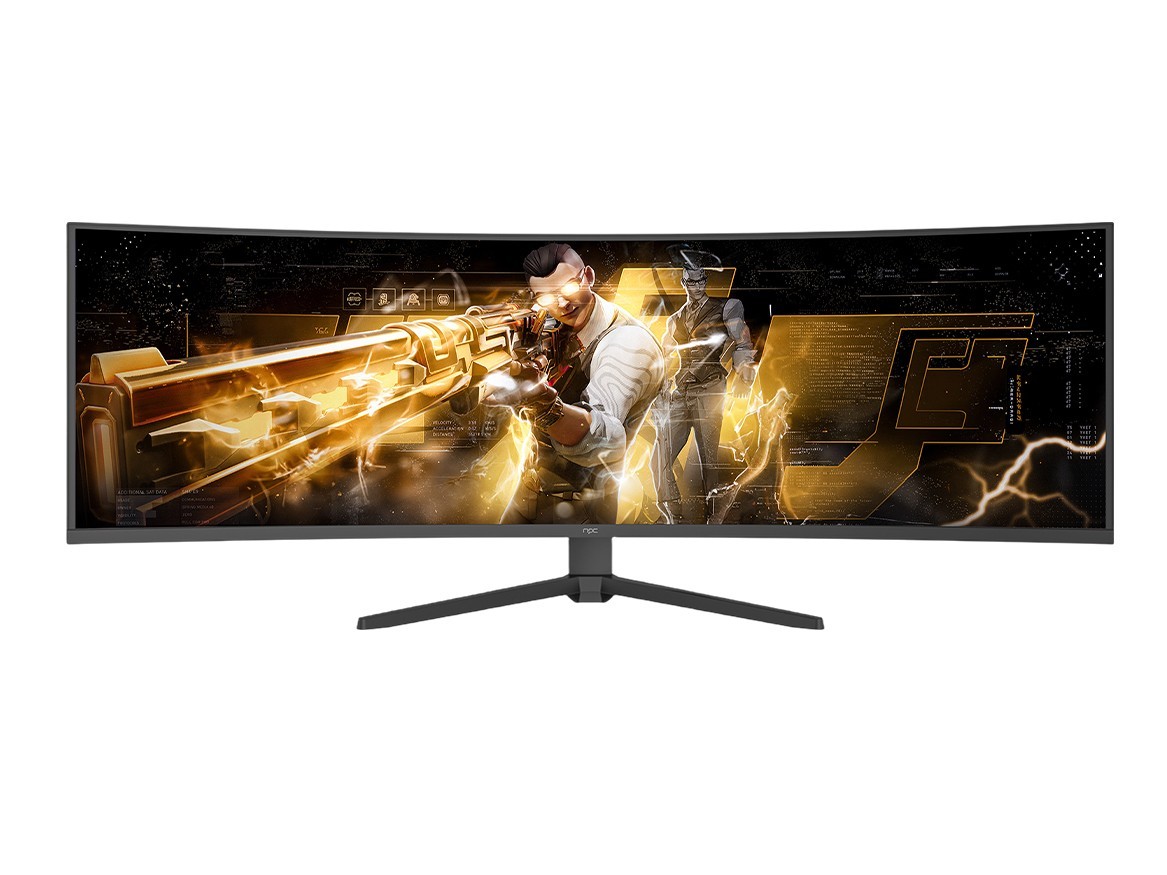
Permit a brief, civilized assessment: choosing a smart TV operating system is less mystical than a courtly duel and more a matter of matching temperament and chores. If you care about apps, updates, and how gracefully a screen obeys your remote, start there; if you care about display pairing, check compatibility with your monitor manufacturer—yes, many brands expect different handshake rituals, and a misplaced expectation is a frequent disappointment. For a quick supplier look, consult a reputable monitor manufacturer listing before you fall in love with a glossy UI.

What Really Matters — Comparative Criteria
Consider five plain criteria and rank them by importance for your use: app availability, update cadence, responsiveness, integration with mobile ecosystems, and privacy settings. Ask whether you need a platform that receives security patches for years or one that offers the odd streaming app no one’s heard of. Prioritize one or two criteria; attempting to optimize all five leads to paralysis and a very smug salesperson.
Platforms Compared — Brief, Unflattering, Useful
Android TV / Google TV: Vast app catalogue and tight Google integration. Excellent if you live inside Google’s garden; less charming if you prize minimal data handshakes. Roku: Simple, reliable, and famously pragmatic. It won’t impress developers, but it rarely misbehaves. Samsung’s Tizen: Smooth on Samsung sets, excellent hardware integration, occasional app omissions. LG’s webOS: Intuitive navigation and clever multitasking, but its app library can lag behind rivals. Amazon Fire TV: Deeply entwined with Amazon services, great for shoppers and Prime viewers, awkward for those who prefer to avoid one-vendor orchestration. Each platform has trade-offs; the sensible consumer accepts one compromise and refuses the others politely.
Common Mistakes and How to Avoid Them
Buying by aesthetics: a slick home screen doesn’t guarantee long-term updates. Ignoring updates: a platform with regular firmware will keep apps working and security sound. Assuming app parity: not every streaming service arrives everywhere simultaneously. Overlooking input methods: voice and remote ergonomics matter more than screen sheen. Forgetting connectivity: if your Wi‑Fi is weak, the best OS won’t stream smoothly. Check whether the remote, cast protocols, and available ports suit your household, then proceed with calm decisiveness.
Experience, Expertise, and a Real-World Anchor
Having advised product teams on front-end behavior and tested dozens of UI builds, I prefer evidence over slogan. Attendance at a major industry show such as the Consumer Electronics Show (CES) in Las Vegas repeatedly confirms one reality: hardware makers and platform teams talk loudly; usability outcomes are decided in firmware, not press blurbs. For a practical supply-side view, many buyers cross-reference major pc monitor manufacturers to verify port layouts and color handling before matching a TV’s smart OS to their ecosystem. That combination—hands-on testing experience plus verification against trusted suppliers—keeps choices grounded and results predictable.
A Compact Decision Path
Decide which compromise you tolerate, verify compatibility with the apps and devices you already own, and insist on predictable updates. If you want breadth of apps and Google services, choose Google TV; if you want simplicity and reliability, choose Roku; if you have brand loyalty to Samsung or LG, their platforms usually reward that loyalty with tighter hardware-software fit. Finally, match your choice to practical suppliers and display partners: sensible pairing with a reputable vendor avoids surprises—consider how the manufacturer handles firmware and warranties, and remember that pragmatic choices yield pleasant, long-lived screens rather than theatrical launches. For those who prefer a concise, dependable partner to the technical side of that match, npc sits quietly in the background of sensible supply decisions.